In this guide
Loading…
★ Key takeaways
- This free allowance contract printable builds a custom parent-child agreement in about two minutes, then downloads as a PDF or PNG or prints straight from your browser.
- A written agreement turns the weekly 'how much do I get' debate into one document you both signed and can point back to.
- The strongest contracts keep unpaid family contributions separate from paid extras, name a Save / Spend / Give split, and set a date to review the deal.
- Edit it any time. Every change updates the URL, so you can bookmark the agreement or text it to a co-parent.
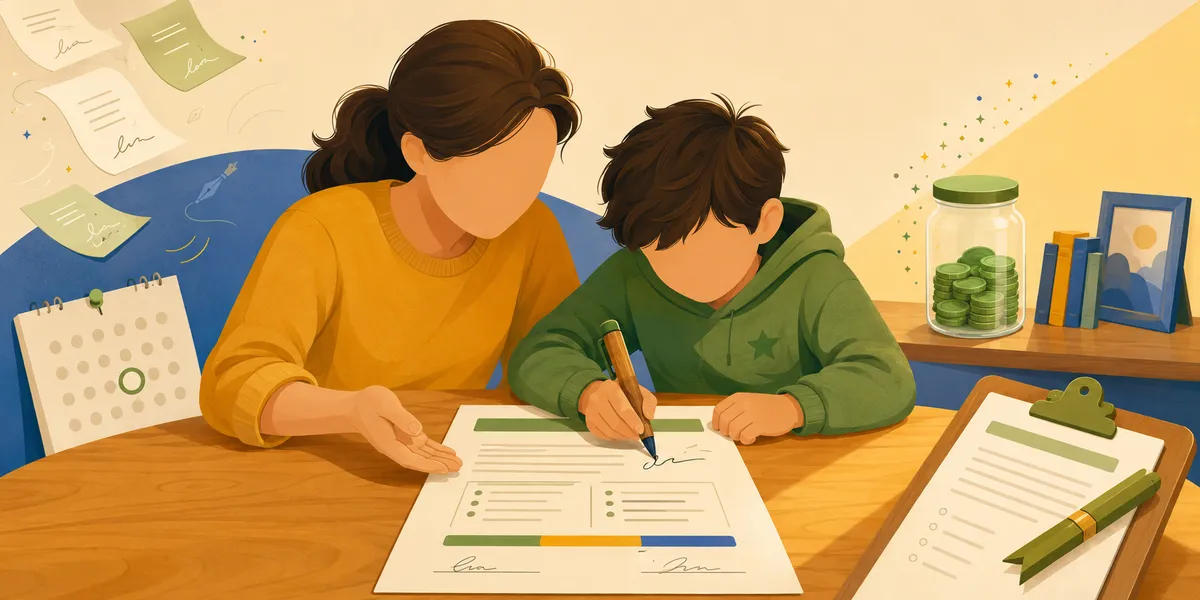
An allowance contract printable does one small thing that quietly fixes a surprising number of weekly arguments: it writes the deal down. The generator below builds a real parent-child agreement for your family in about two minutes. You set the amount, list the jobs, decide what happens to the money, and add the terms that matter to you. Then you download it as a PDF, save it as a PNG, print it straight from your browser, or text the link to a co-parent so you both see the same thing. No template to retype, no account, no watermark.
If you have ever stood in the kitchen on a Saturday explaining for the third week running why this chore is paid and that one is not, a written agreement is the thing that ends the rerun. Here is how to build one, and what actually belongs in it.
Build your allowance contract printable
The generator handles the parts a static template can't:
- Your numbers, not a placeholder. Set the amount, choose whether it lands weekly, every two weeks, or monthly, and name the payday so the schedule is never in doubt.
- Two kinds of jobs, kept separate. Unpaid family contributions sit in one column; paid extras with dollar amounts sit in the other.
- A money plan, built in. A Save / Spend / Give split is written right into the agreement instead of left to chance.
- Your own terms. Add a bonus, a what-happens-if-a-job-is-missed line, and a date to review the whole thing together.
- Three ways out. Download a PDF, save a PNG, print it from the browser, or copy a URL that reloads the exact agreement later.
Loading the contract generator…
Everything the deal needs
Amount, jobs, the money split, the terms, and two signatures.
PDF, PNG, or print
Download it, share the link, or pin the signed copy to the fridge.
One thing worth knowing before you scroll on: every edit you make above updates the link in your address bar. Bookmark it and the same agreement loads when you come back. Send the link to the other parent and they see the same terms on their phone. We left out accounts and cloud sync on purpose, because neither of those belongs between you and a signed sheet on the fridge.
What goes in an allowance contract
A good agreement is short. Five parts cover almost every family, and the generator is built around them.
The allowance
A set amount on a set day. Predictable beats generous, because the cadence is what teaches planning.
The responsibilities
Unpaid family contributions in one column, paid extras in the other. The layout teaches the difference.
The money plan
A Save / Spend / Give split written into the deal, so the saving habit is part of the agreement itself.
The amount and the cadence. Pick a number you can pay without thinking about it, and a day it always arrives. The exact dollar figure matters less than the fact that it is predictable. The Consumer Financial Protection Bureau's Building Blocks model frames the school-age years as when financial habits and norms get set, and a habit needs a rhythm to attach to. A reliable Saturday teaches more than a generous-but-random handout. If you want help landing on the number itself, the allowance guide walks through age-by-age ranges.
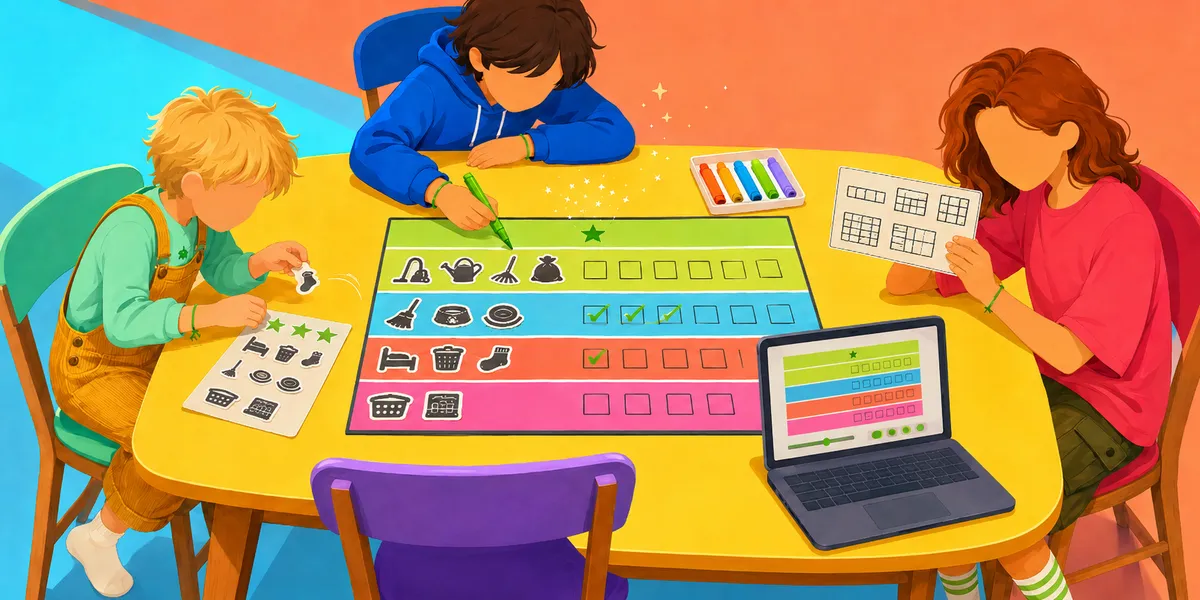
The responsibilities, in two columns. This is the part most verbal deals get wrong. Some jobs are simply part of living in the house: making a bed, clearing a plate, putting laundry in the hamper. Those never carry a dollar amount. A shorter list of paid extras sits beside them: walking the dog all week, washing the car, emptying the dishwasher. The generator keeps the two apart on purpose, so the difference is built into the layout instead of re-explained every week.
The money plan. A Save / Spend / Give split written into the agreement turns saving from a lecture into a default. Money As You Grow, the CFPB's milestones for kids, puts "save toward a goal" among the core habits of the school-age years, and a split that the kid agreed to in writing is far easier to hold to than a reminder. The generator defaults to 50 / 40 / 10, and you can slide it to fit your family.
The terms. One bonus line and one what-if line are usually enough. A finished savings goal earning a small bonus rewards the behavior you actually want. A skipped paid job simply not being paid that week keeps the consequence natural instead of punitive. Keep both short. A contract with twenty rules is a contract nobody reads.
The signatures and the review date. Two signature lines and a date to revisit the deal. The review date is what keeps the agreement from going stale, and it gives a growing kid something to look forward to renegotiating.
Why a written agreement beats a verbal one
Plenty of parents we hear from feel a little odd about the word "contract," and that is fair. It can sound like you are bracing for a courtroom with an eight-year-old. So here is the honest version of why it helps.
A verbal allowance deal almost always breaks the same way: two people remember it differently. You recall saying the dog walk was the paid job; your kid is certain bed-making counted too. Nobody is lying. The deal just never existed anywhere except two memories, and memories drift toward their owner's interest. Writing it down settles that before it starts. There is now one page you both point at, so the weekly negotiation simply stops.
That is also why the layout matters more than the legalese. When the paid extras and the family contributions sit in separate columns, a kid scanning the page sees the pattern without a speech. Over a few months that visual split teaches the difference between contributing and earning better than repeating it ever could. The same idea drives the should kids get paid for chores discussion, where the hybrid setup (some paid, most not) tends to work best. A contract is just where that decision gets recorded.
A contract is not about distrust. It is about writing the deal down so nobody has to argue from memory.
The contract also does something a conversation can't: it survives the week. The agreement is still on the fridge on Wednesday when the dog did not get walked, and the conversation that follows is a quick check against the page rather than a fresh argument from zero.
How to set the amount and the split
If you are starting from a blank page, two defaults will get you most of the way. For the amount, a common starting point is around a dollar per year of age per week, adjusted for your household budget, with the allowance guide covering the ranges in more detail. For the split, 50 / 40 / 10 toward Save, Spend, and Give is a reasonable opening offer that a kid can push back on.
The split is the line worth holding firm on, because the saving half is where the long game lives. Naming a goal for the Save portion makes it concrete: a kid saving toward something specific waits more happily than one saving in the abstract. That is exactly what the Save / Spend / Give jars and Savings Goals in the Sprout Saver parent app are built to do once the paper agreement is in place, with the weekly amount arriving on a schedule and the split happening automatically instead of by hand.
Lessons that practice the agreement mindset
If you want a little outside help on the negotiate-and-keep-your-word part of the deal, three lessons in the Sprout Saver catalog get at the same skill the contract is built around. Different ages, different framings, same underlying idea.
When the paper agreement starts doing its job and you find yourself wishing the allowance just arrived on time and the paid chores tracked themselves, that is the point where the app earns its place. Scheduled allowance, paid chores with photo proof and a parent approval step before the reward lands, and the automatic Save / Spend / Give split all run the same agreement you just printed, without the Saturday-morning bookkeeping.